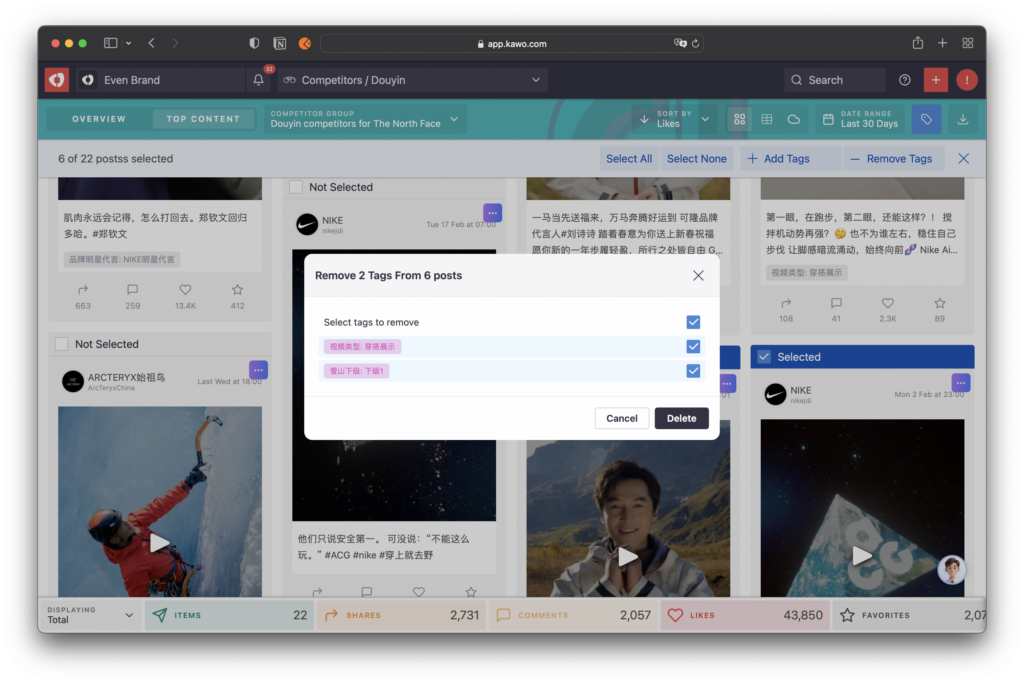
Efficient Batch Tagging: Supports batch tagging, saving 80% of manual sorting time and improving operational efficiency.
Step 1: Go to the Competitor Hot Content Page
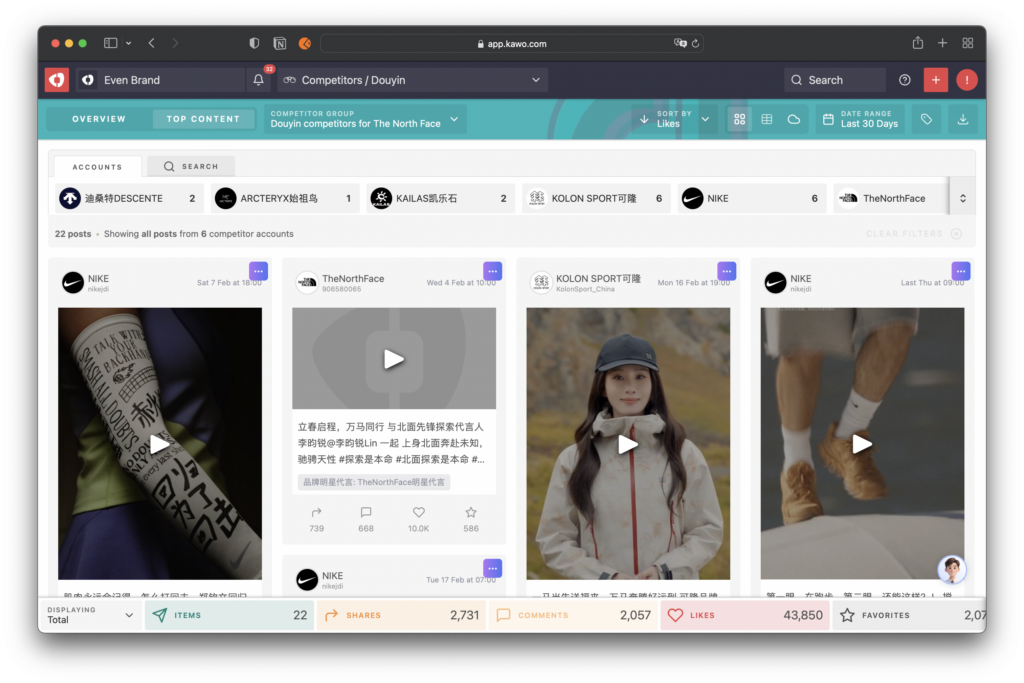
In the Competitor module, select a platform to enter the Competitor Data Overview page. Click the Hot Content button in the top navigation bar to switch to the Competitor Hot Content page.
Step 2: Select Posts to Tag
Click the tag icon on the right side of the top navigation bar to enter tagging mode. After filtering the posts you want to tag, you can select posts to batch add tags or batch remove tags.

Step 3: Add Tags
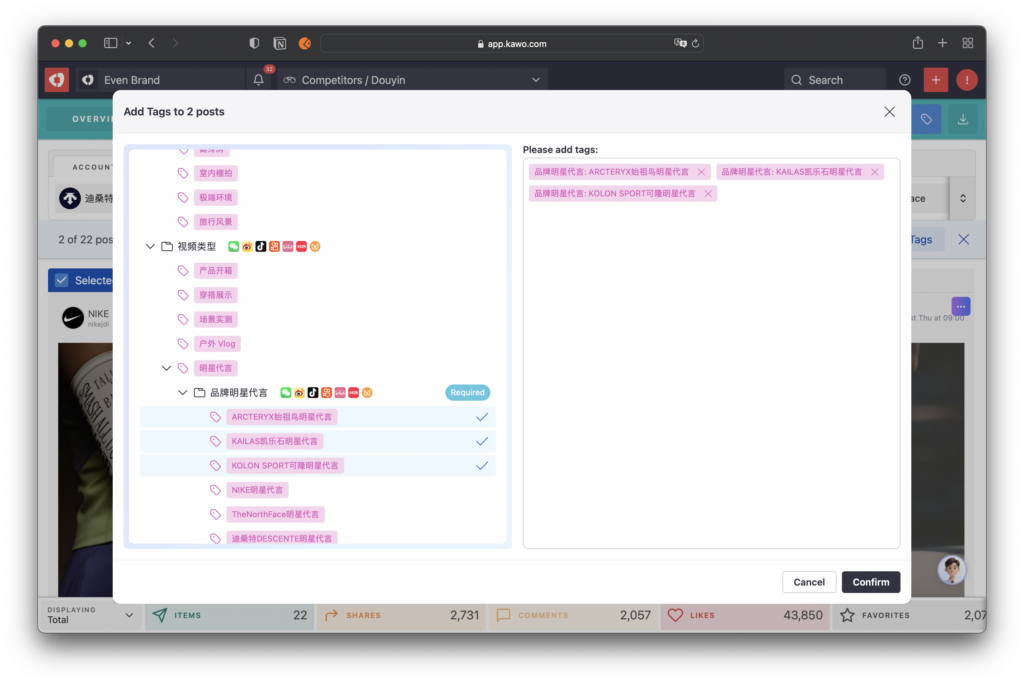
Click the Add Tags button. In the pop-up window, select the desired tags and click Confirm to apply the tags to the selected posts.
Step 4: Remove Tags
Click the Remove Tags button. In the pop-up window, select the tags you want to delete and click Delete to remove the tags from the selected posts.