How to add tags to my posts?
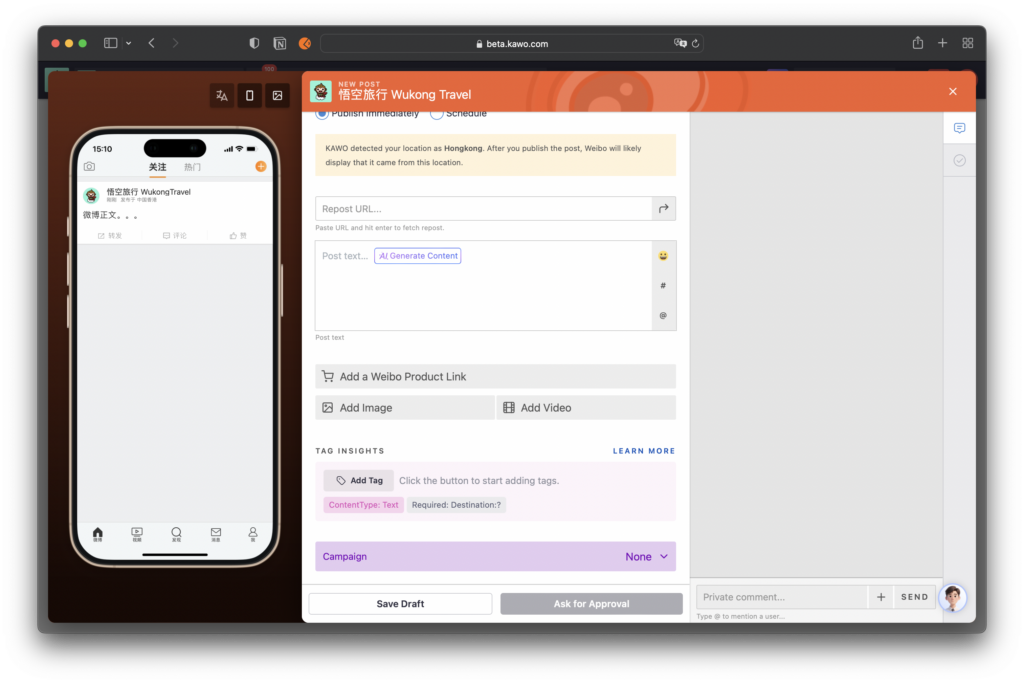
Step one: On the editing page, locate the section for adding tags. Click the Add Tag button to add a tag.
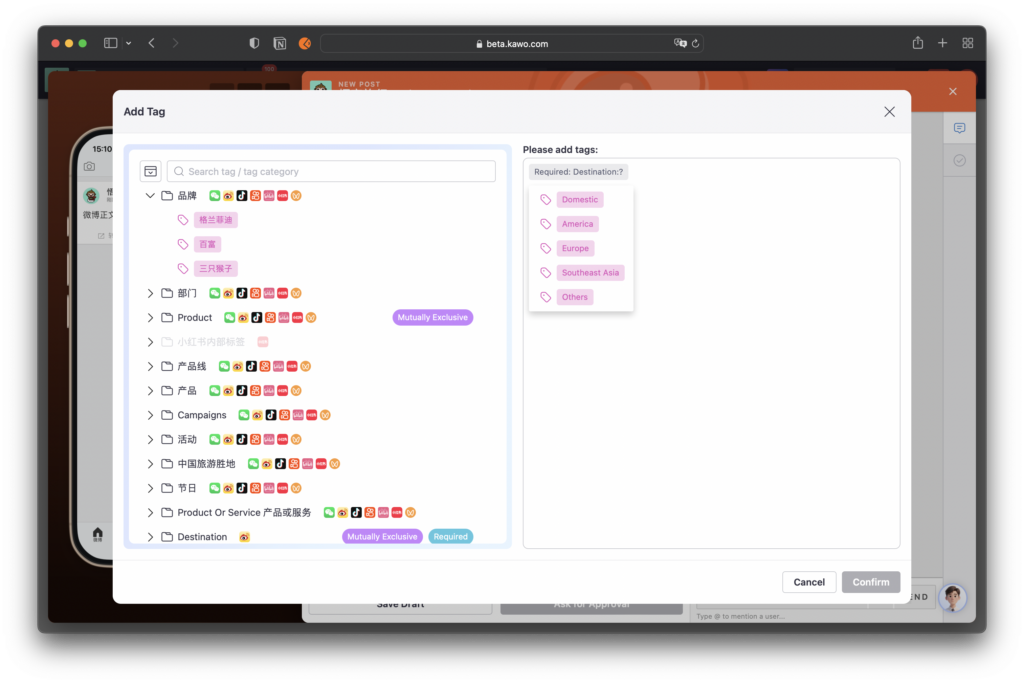
Step two: Select Tags
You can directly select mandatory tags on the right, and freely choose the tags you need to add from the tag list on the left.
How to add tags in batches?
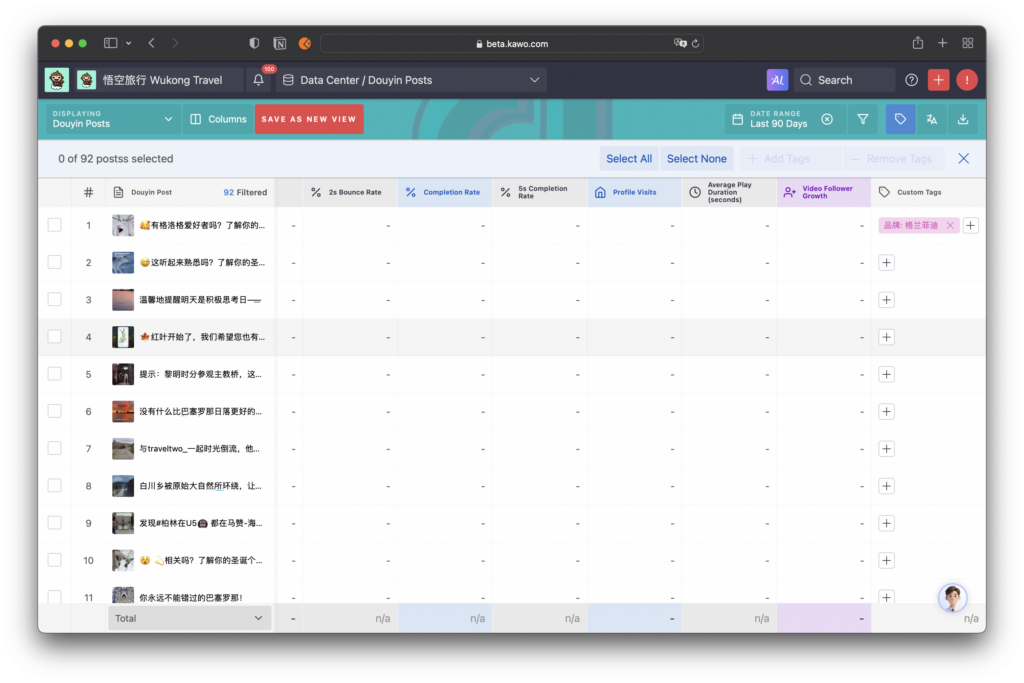
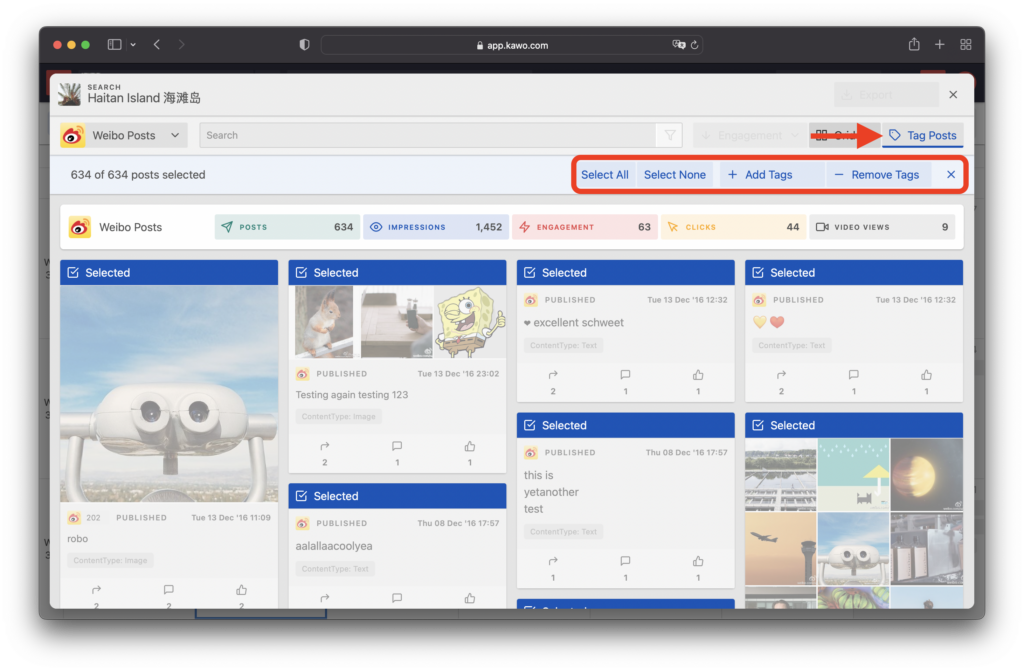
You can batch add or remove tags for posts/articles via the search function or in the post list of the data center.
Step one: Click to enter the search page
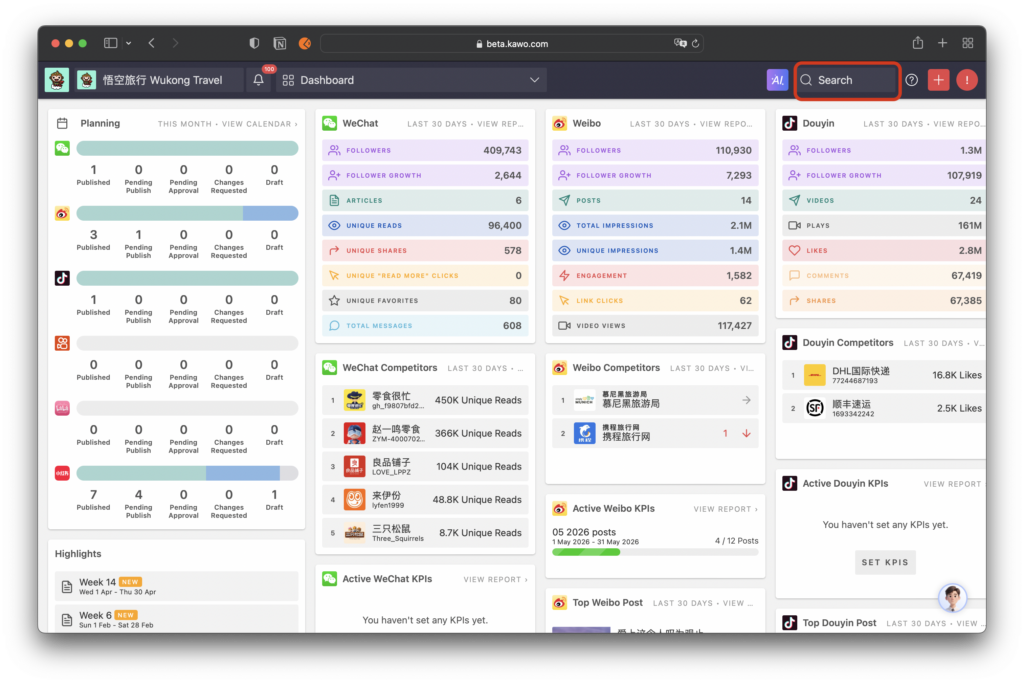
Step two: Click Tag Management to batch add tags to the selected posts.
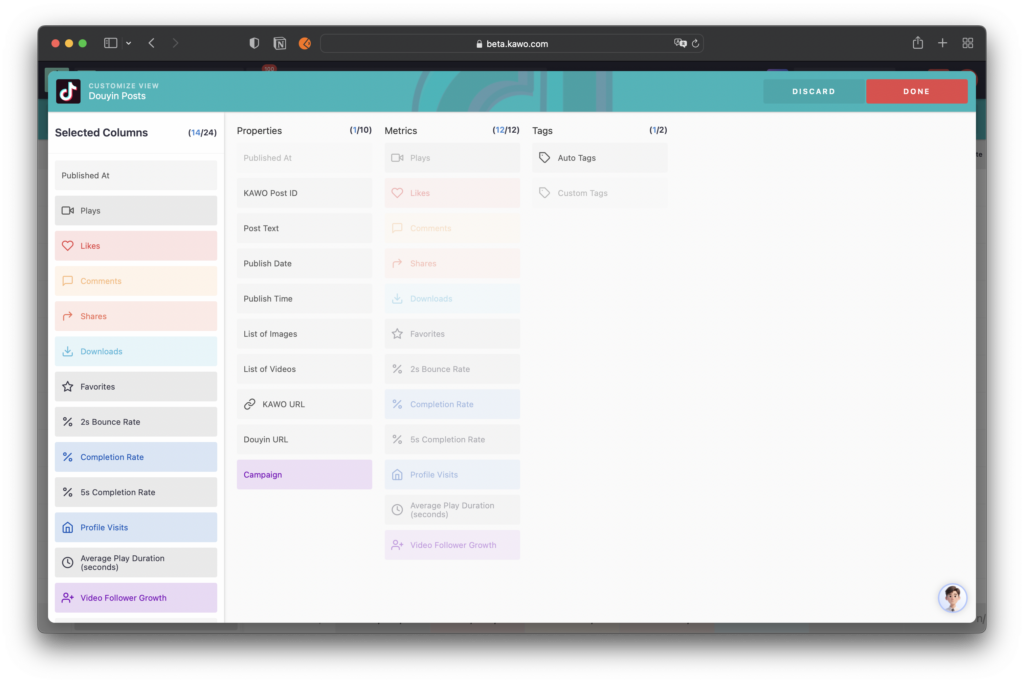
Step Three: Click to enter the Data Center and add custom tags in the table columns.
Step Four: Click the tag icon in the navigation bar to perform batch operations for adding or removing tags. It also supports quickly adding or removing tags for individual posts in the list.